Live river simulation · runs in your browser
See how rivers really flow.
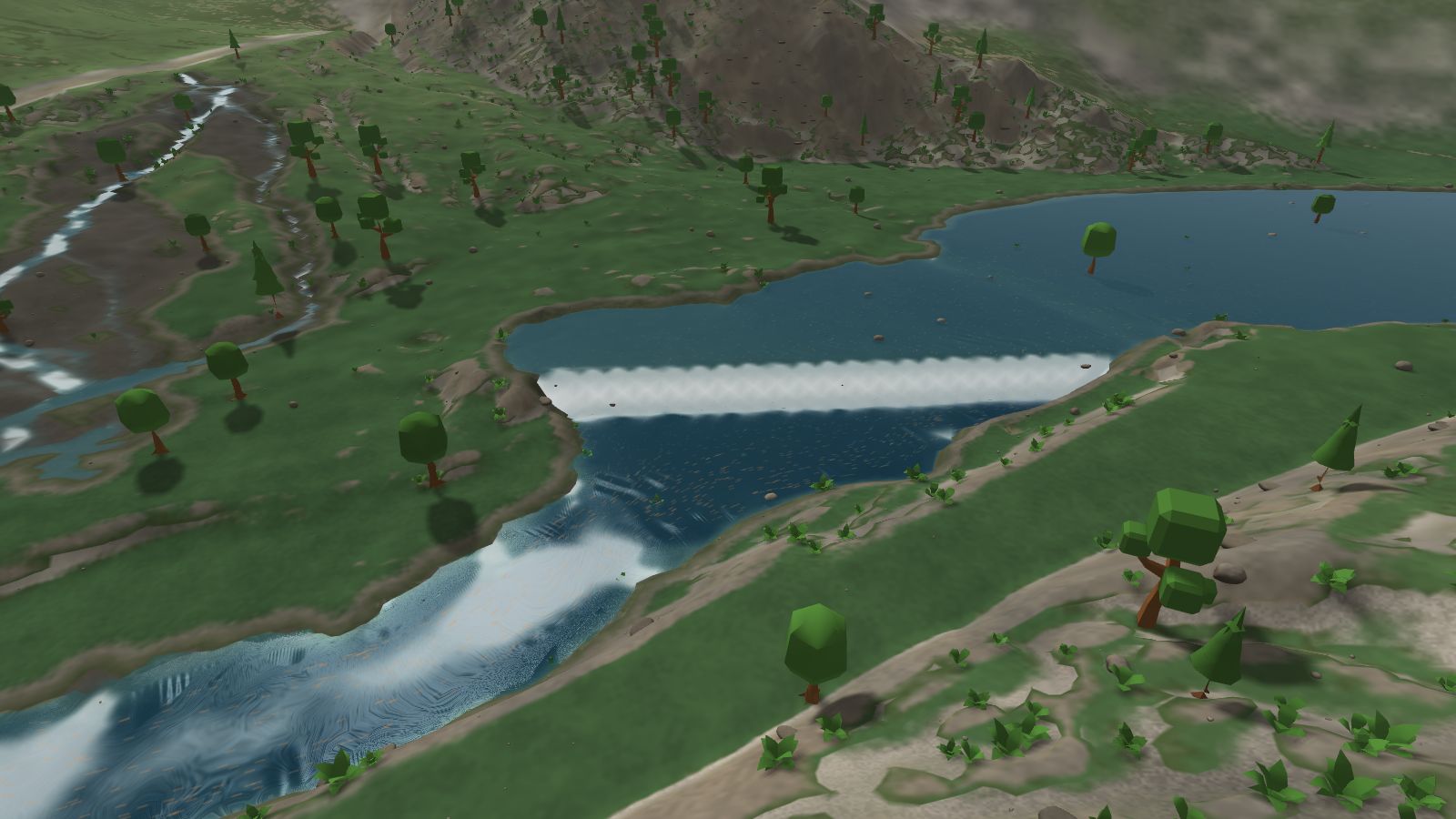
River Sandbox simulates water over real terrain, live, on your graphics card. Watch eddies spin up behind boulders, currents bend around islands and backwater pool above a dam, then change the river and see what the water does.
Checking whether this browser can run River Sandbox…
Three ways in
-
Learn
Guided lessons
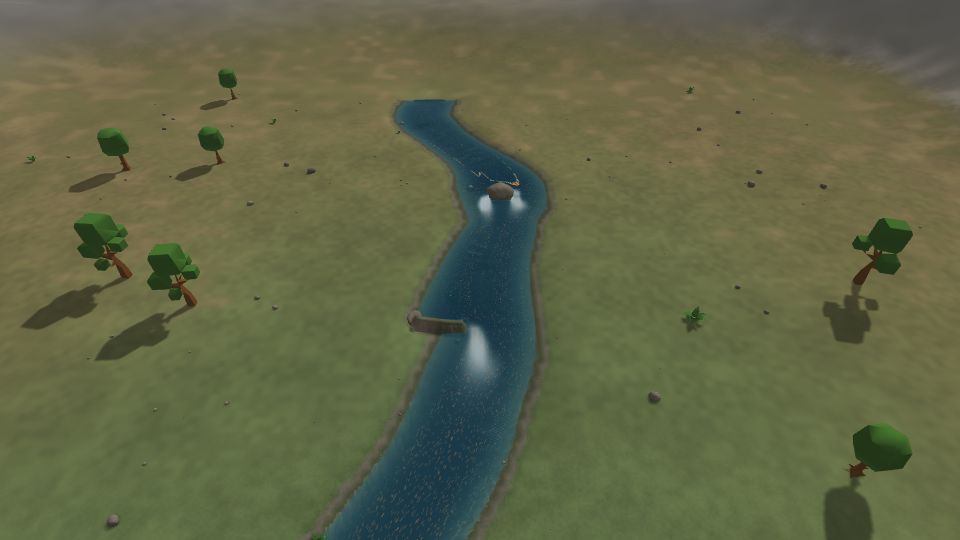
Short lessons on real places: the pool above Tumwater Dam, the eddy behind a rock, riffles and pools, a confluence. Each step points the camera at what to watch.
Browse the lessons -
Explore
Real US rivers
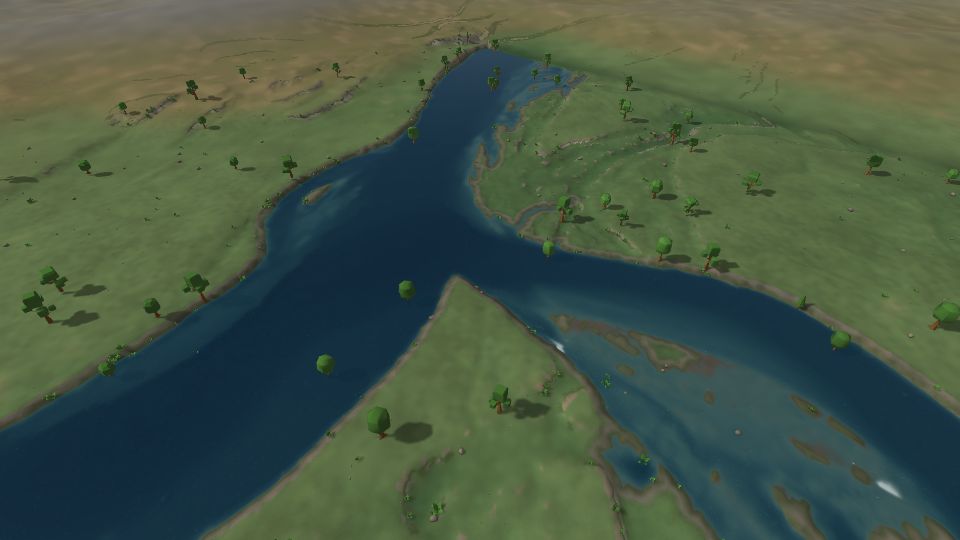
Open one of a dozen river sections, from the Royal Gorge to St. Anthony Falls, or pick any spot on the map. River Sandbox loads lidar elevation, mapped river lines and gauge flows for it.
Choose a river -
Play
Sandbox
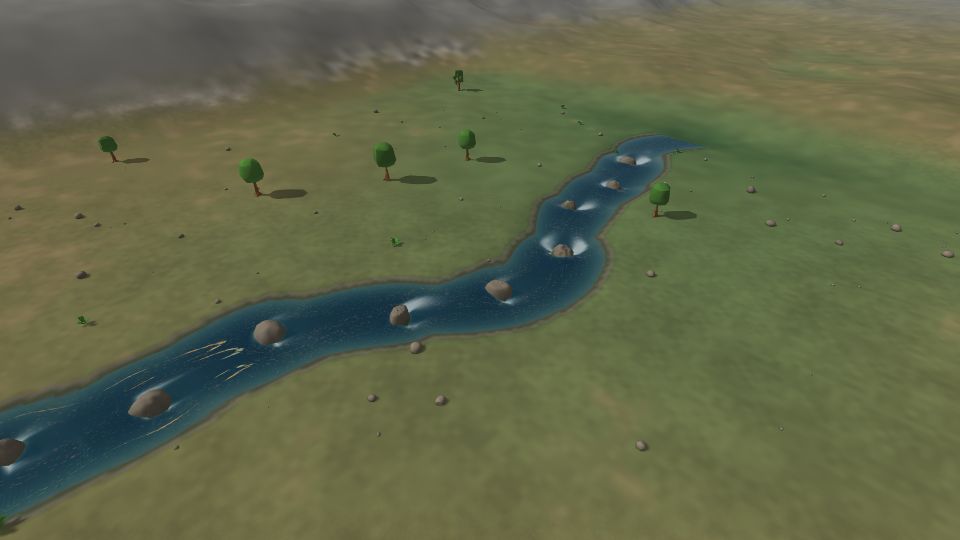
Start from a valley, a canyon, a reservoir or a waterfall and make it your own: sculpt the banks, place boulders, build dams and change the flow.
Pick a starting map
How it works
-
Pick a place
A lesson, a real river or a starting map.
-
Let it fill
Water runs in from the sources until the flow settles.
-
Change something
Sculpt the banks, drop a boulder, build a dam or turn up the flow.
-
Watch the water answer
The flow map and drifting leaves show where it speeds up, slows down and turns back.
Built on public data
In the United States, maps use USGS 3DEP lidar elevation, National Hydrography Dataset river lines, NLCD land cover, NAIP aerial imagery and USGS stream gauges. Elsewhere, global Terrain Tiles fill in.
- 3DEPLidar elevation
- NHDRiver lines
- NLCDLand cover
- NAIPAerial imagery
- USGSStream gauges
No account needed
Everything works without signing in, and your scenes save in this browser. Sign in with an email link, a passkey, Google or GitHub to keep scenes in the cloud, share them with a link and publish them to the gallery.
Sign inWhat you need
River Sandbox runs on WebGPU. A current Chrome or Edge on a desktop or laptop with an up-to-date graphics driver works best; Safari and Firefox support WebGPU on some platforms. Phones and tablets with WebGPU work too, with touch controls.